Joining and signing in
How to join with your invite: pick a door, sign in with no password, set up your first profile, and add a passkey.
What's said
The words are on screen too, so sound is optional.
Joining Version One takes about a minute, and there's no password.
Open your invite link and pick a door: I build things, or I try things and help.
Type your email. We send one email with a button and a six-digit code. Use whichever is easier.
Then a short first profile: your name, your ring, a tick to say you live or work in South Africa, and your age.
Under eighteen? You're welcome. A parent or guardian says yes first.
Your page shows one next step at a time. Anything that needs you waits in Updates, and your settings live in Settings.
Want it quicker next time? Add a passkey in Settings, and sign in the way you unlock your phone.
Find your invite, and join at versionone.co.za
More videos
 What Version One is1:12
 For builders1:26
 For supporters1:06
 Being a founder1:00
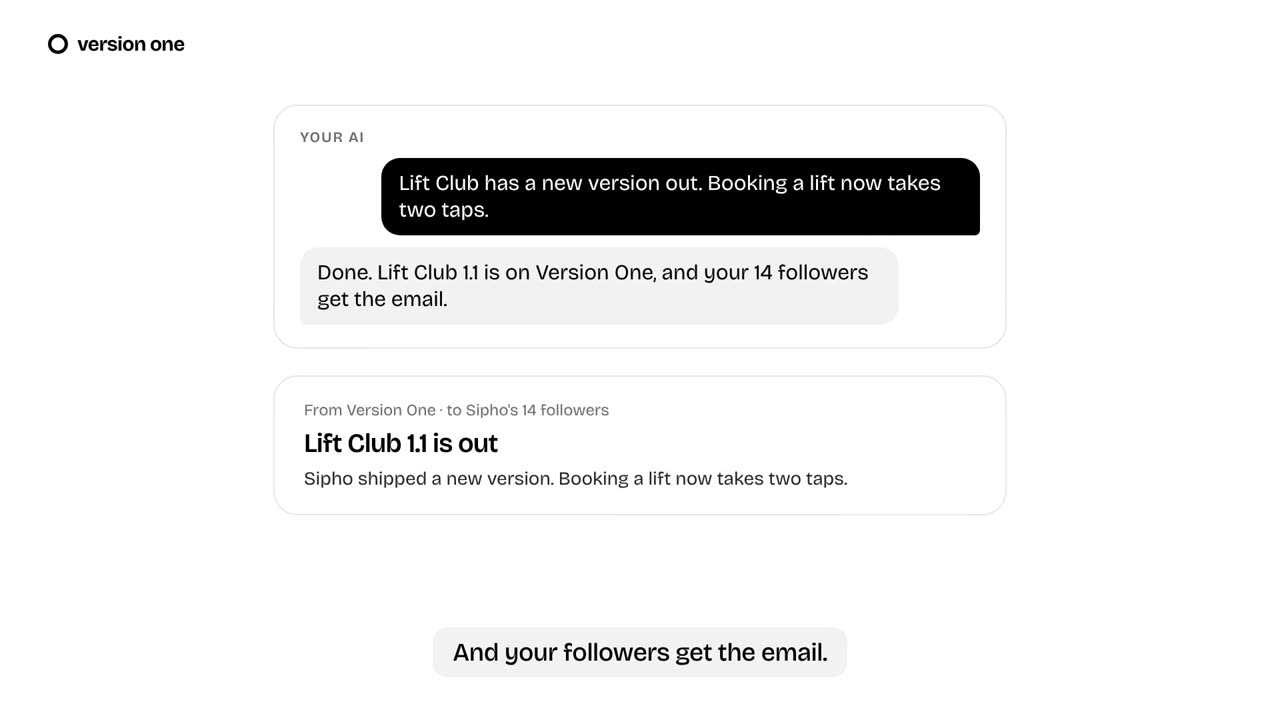 Your AI assistant0:36
 Running a beta1:02
 Sharing a launch0:41
 Shipping a new version0:44
 Asking for help0:41
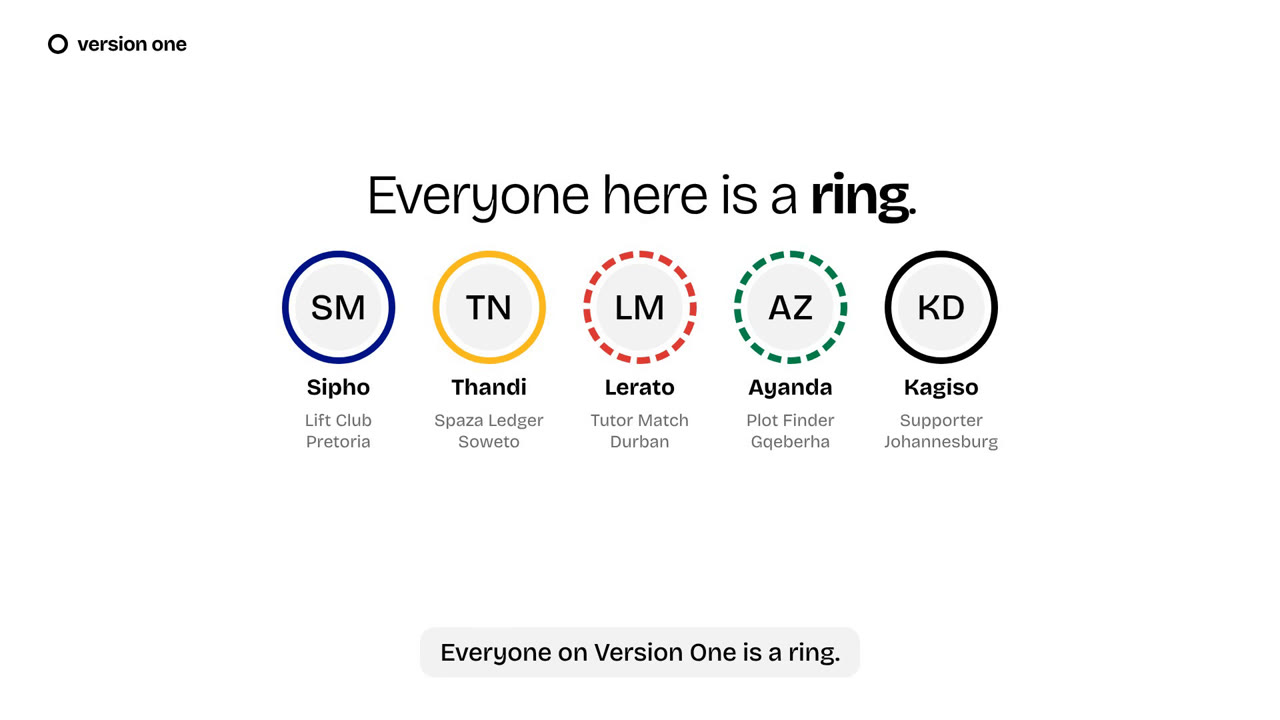 Rings and dots0:44
 Updates and emails0:33
 Your data, your call0:31
 Your Founding story1:01